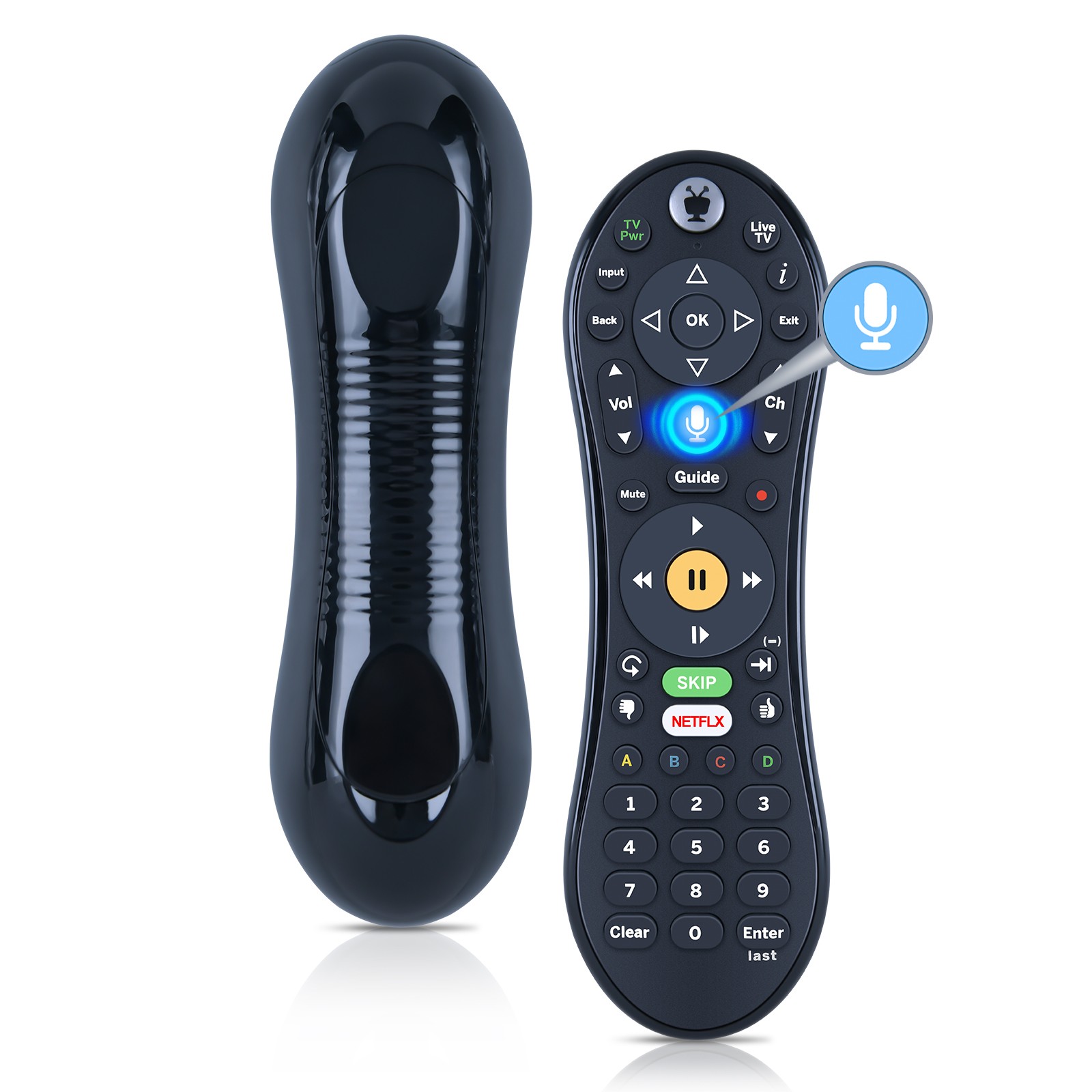
S6a Remote
Control For Tivo Bolt+ Dvr & 4k Streaming System With Voice Assistant
USD $29.99
Condition : New
Free Shipping
{{variant_type_name}} :

Notify me when the price drops
We will email you if we find a lower price on this product!
Use: For TiVo
Model: S6A
Function: Voice & Backlit
How to Factory Reset your Remote?
Global Reset sequence:
1. Press and hold the TiVo button and the POWER button for about 3 seconds.
2. You will see the activity light at the top of the remote turn solid red.
3. Press THUMBS DOWN button three times, then the TiVo button.
4. The activity light will blink three times and then turn off.
Note: After performing Global Reset, the user will have to reprogram the remote control for their TV and AV devices.
Re-Pairing the Remote Control
1. Press and hold the TiVo and BACK buttons at the same time.
2. After about 3 seconds, the activity light on the remote will display solid red.
3. Release the buttons, and the activity light should flash five times.
4. The remote is now paired.
Package Content: 1 x Remote Control.
Power: 2 x 1.5V AAA Batteries(Not Included)
Model: S6A
Function: Voice & Backlit
How to Factory Reset your Remote?
Global Reset sequence:
1. Press and hold the TiVo button and the POWER button for about 3 seconds.
2. You will see the activity light at the top of the remote turn solid red.
3. Press THUMBS DOWN button three times, then the TiVo button.
4. The activity light will blink three times and then turn off.
Note: After performing Global Reset, the user will have to reprogram the remote control for their TV and AV devices.
Re-Pairing the Remote Control
1. Press and hold the TiVo and BACK buttons at the same time.
2. After about 3 seconds, the activity light on the remote will display solid red.
3. Release the buttons, and the activity light should flash five times.
4. The remote is now paired.
Package Content: 1 x Remote Control.
Power: 2 x 1.5V AAA Batteries(Not Included)

Price type
IN STOCK
OUT STOCK
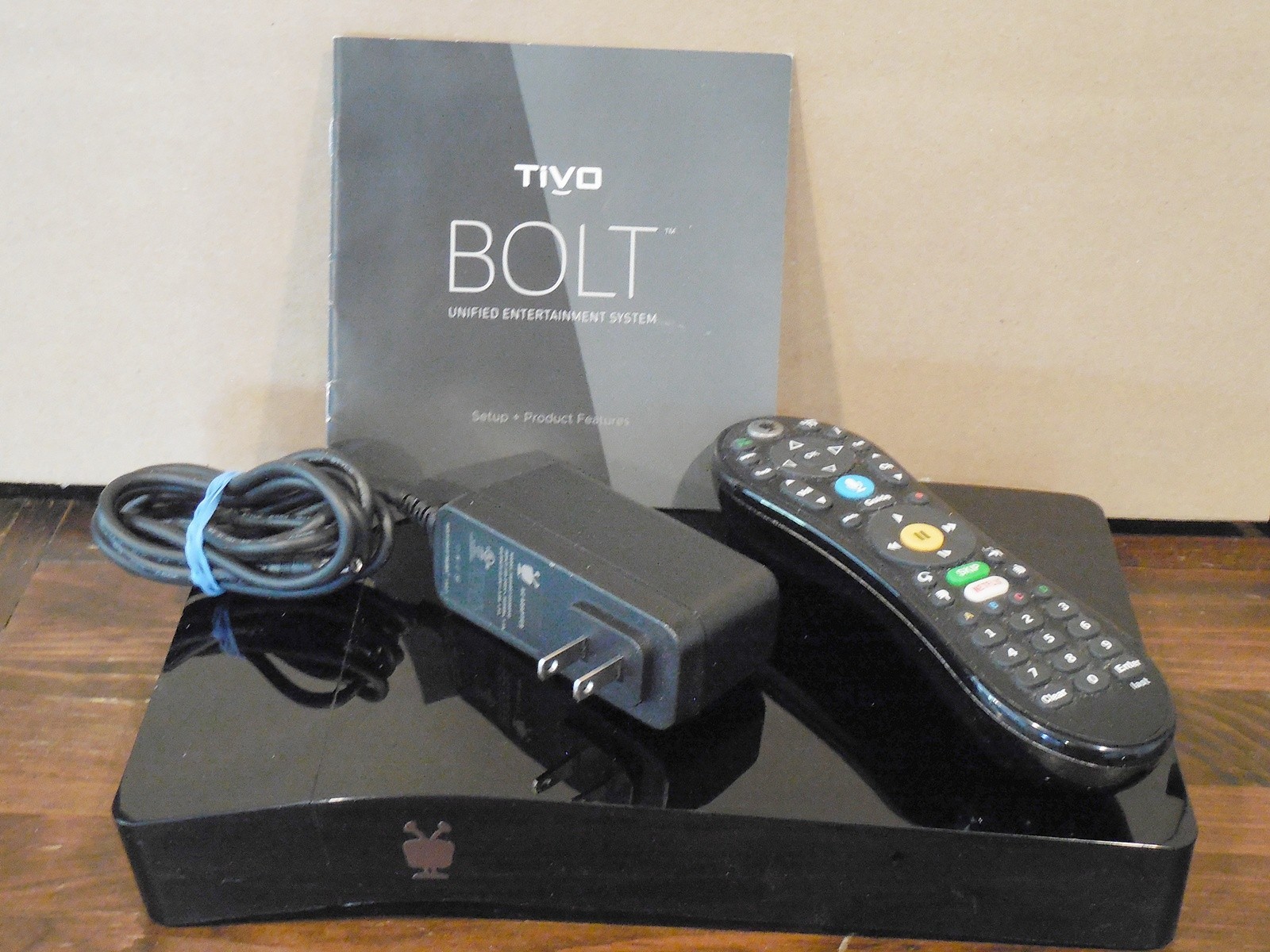
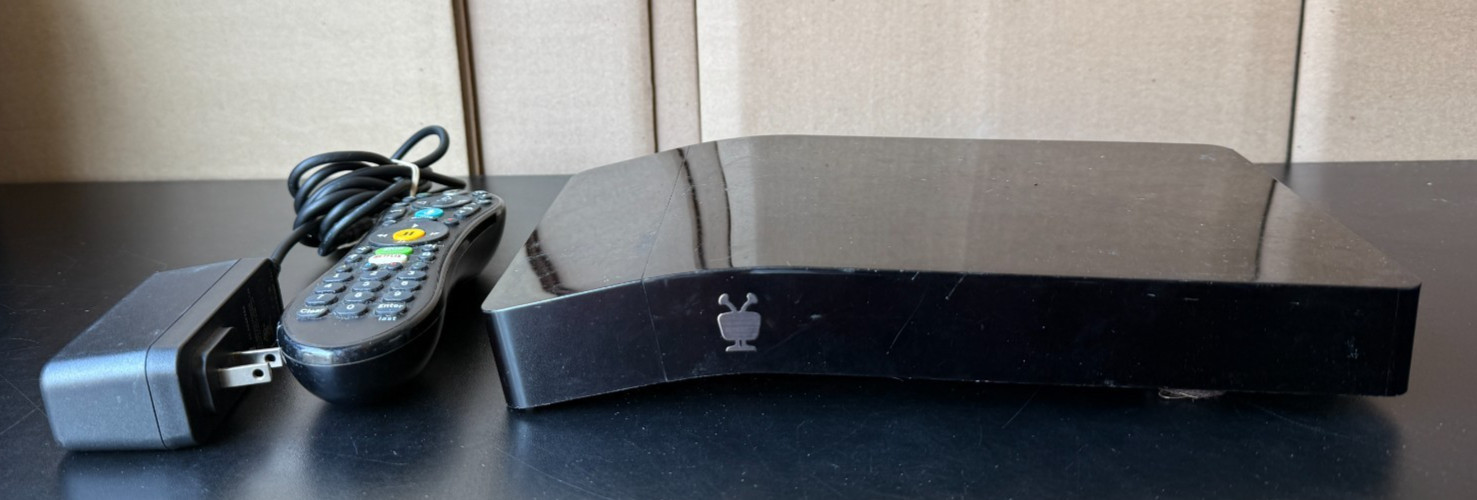
TiVo Bolt VOX - 1TB - LIFETIME - 4 Tuners OTA (Antenna) or Cable - Free Shipping
By Unbranded

$299.00





 .
